
Clip&Pin: The Clipboard History I've Always Wanted for My Mac
How many times have you copied something, copied something else immediately after, and lost the first note forever? It happened to me several times a day: an address, a snippet of code, a sentence from a document—things I thought I could paste "in a moment" only to vanish into thin air as soon as the next Cmd+C overwrote the system clipboard. MacOS, by default, only remembers one copied item at a time. Hence, Clip&Pin was born: a lightweight, native menu bar app that keeps track of everything you copy and returns it to you when you need it.
What is Clip&Pin?
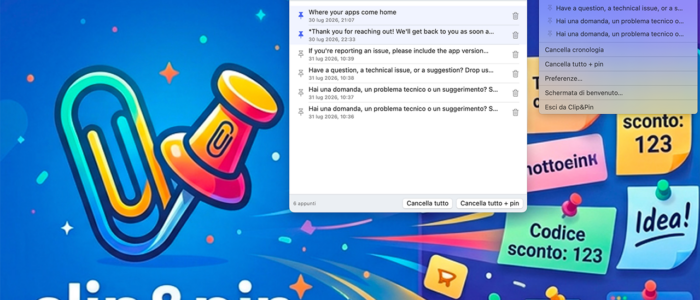
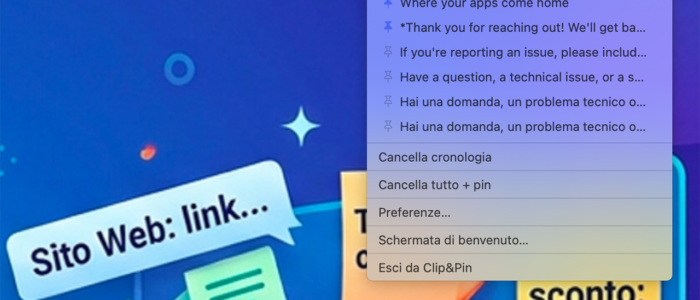
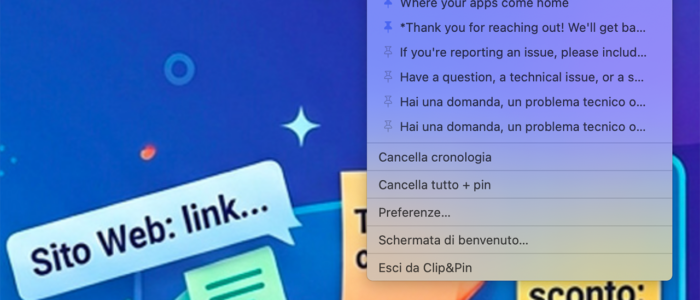
Clip&Pin is a clipboard manager for macOS written in Swift and SwiftUI. It lives silently in your menu bar, monitoring your system clipboard and saving every copied text in a local history—no cloud, no accounts, no data leaving your Mac. When you need to retrieve something, just open the menu from the bar or, more conveniently, bring up the search popup from anywhere with a keyboard shortcut.
The main features
- Clipboard history — every copy is automatically recorded, so you can even retrieve something you copied hours earlier.
- Pin to never lose what's important — a pinned item always stays at the top of the list and is never deleted by automatic history trimming, even if you retype the same text later.
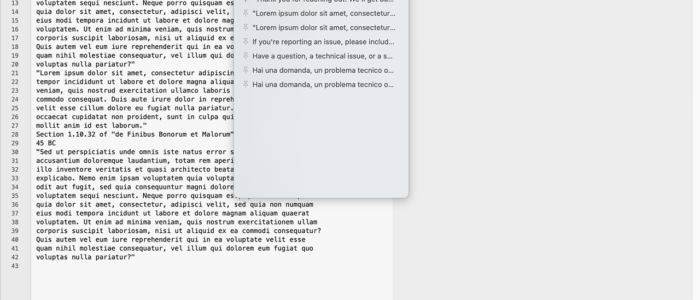
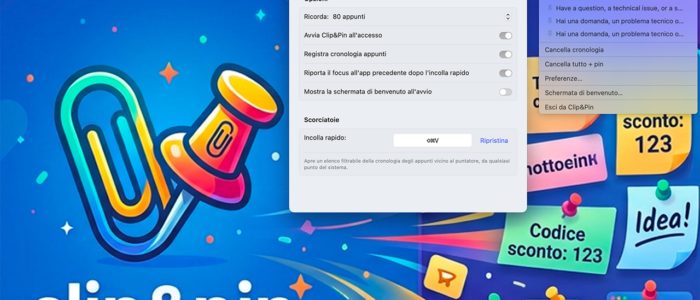
- Quick Paste, the global search popup — with a configurable shortcut (by default ⌘⇧V ) you can open a floating panel near the pointer, with instant search and keyboard navigation with the arrows: perfect for never taking your hands off the keyboard.
- Full-text search in history, both from the bar menu and Quick Paste.
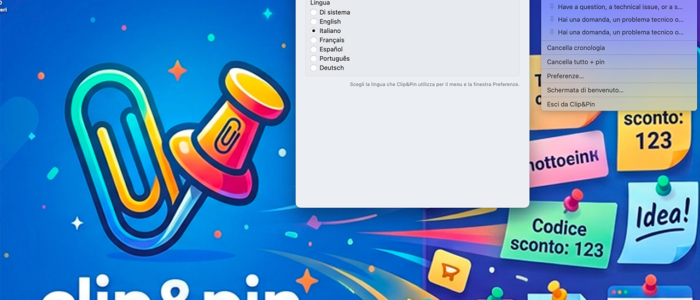
- Multilingual — the interface is available in Italian, English, French, Spanish, Portuguese, and German, or automatically follows the system language.
- Automatic start at login and complete management from a preferences panel: how many entries to remember, deletion of history, total deletion including pins.
Why I built it like this
I wanted an app that felt like part of the system , not an extraneous layer on top of macOS. That's why it's written entirely in SwiftUI, runs as a simple MenuBarExtra without ever appearing in the Dock, and the Quick Paste popup is a non-invasive panel that opens and closes without abruptly stealing focus. No servers, no remote syncing: the history lives in a local JSON file, and that means no latency, no dependency on a connection, and—most importantly—no worries about where your copied notes, which often contain private data or credentials, end up.
Try Clip&Pin
If you've ever lost precious notes because your last copy-and-paste actions overwrite each other, Clip&Pin solves the problem silently, without an account or the cloud. A small app, designed to stay out of your way until needed—and then, just a button away.


Loading posts…