

Clip&Pin is a lightweight and unobtrusive clipboard history manager for Mac that lives in your menu bar.
Every text you copy is automatically saved in a searchable history—never lose a note you accidentally overwrote.
Pin the items you use most so they stay at the top, and instantly access them from any application with a customizable keyboard shortcut — without touching your mouse.
Light and discreet
No account, no cloud: your notes stay on your Mac.
Easy to use
Real-time searchable clipboard history.
Your featured pins
Quick Paste panel that can be recalled anywhere with a customizable shortcut.
Pin your favorite items, always at the top



Convert YAML, Kubernetes ConfigMap, .properties, and environment variables in real time. Searchable history, all local to your Mac.
DevConvert is the native Mac app designed for those who work with configuration files every day: developers, DevOps, SREs and anyone who needs to switch between formats without wasting time or opening a browser.
Paste or open a YAML file, Kubernetes ConfigMap, .properties file, or environment variables, choose the target format, and DevConvert converts the content on the fly—without even pressing a button.
Light and discreet
No account, no cloud: your notes stay on your Mac.
Easy to use
Instant conversion between YAML, Kubernetes ConfigMap, .properties files, terminal-style environment variables, and simple KEY=values
Automatic recognition
Automatic detection of source format, shown in real time next to pasted text
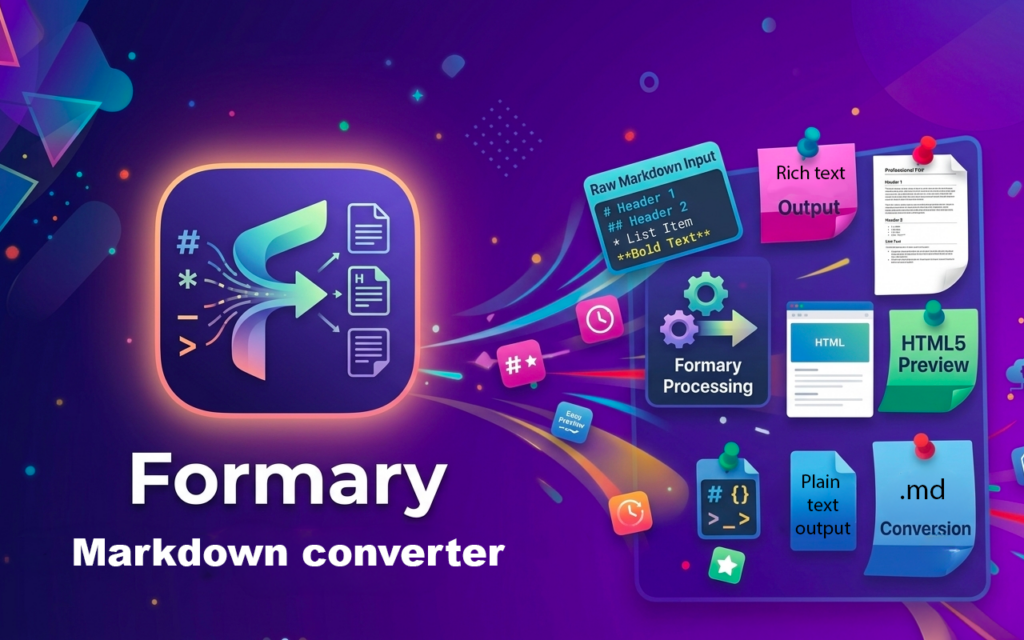
Formary: The Mac app that converts Markdown to HTML, formatted text, and vice versa
Anyone who writes documentation, READMEs, or blog content knows both sides of the same problem: turning a Markdown file into something readable to paste into an email or document, or taking some formatted text—perhaps from Word or a note—and cleaning it up by hand in Markdown, stripping away asterisks and superfluous tags one by one.
Formary was born to solve both sides of the problem with a single native Mac app: it converts Markdown to HTML, formatted text, or plain text, and converts formatted text pasted from any app into clean Markdown — in real time, as you type or paste.
Light and discreet
No account, no cloud: your notes stay on your Mac.
Easy to use
Instant conversion between formats.
Two directions, one app
From Markdown or To Markdown in both directions!
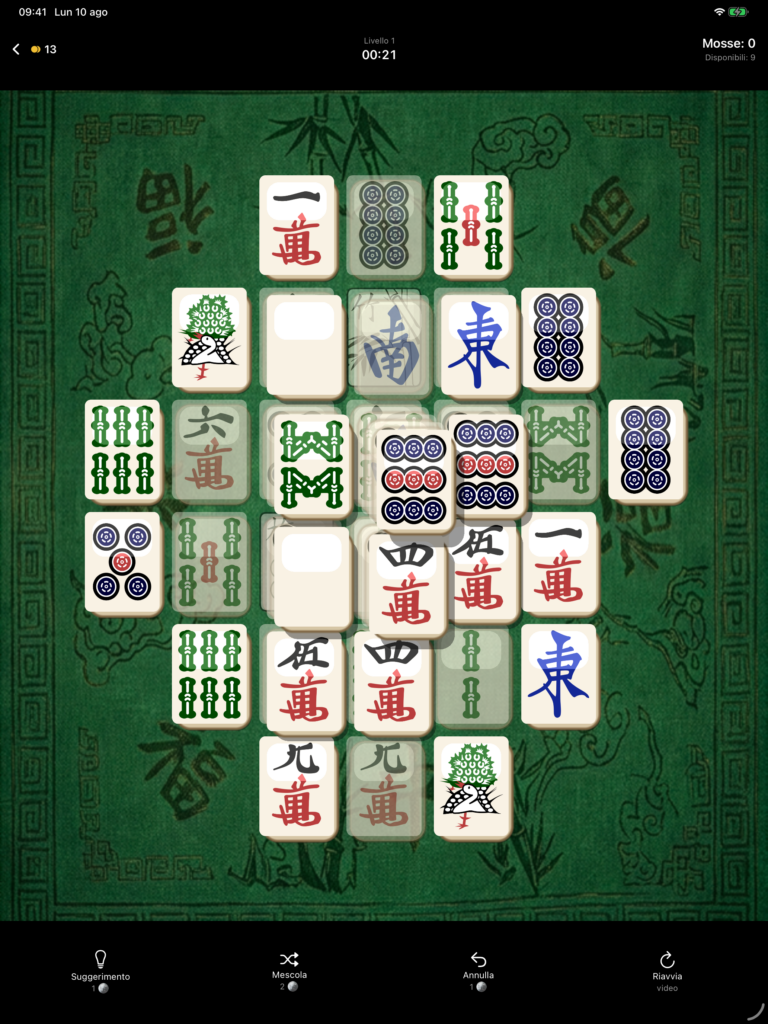
Mahjong Essential
Mahjong Essential: The Solitaire Game Where No Game Is Impossible
Anyone who's ever played mahjong solitaire on their phone knows that moment: twelve tiles remaining, no possible combinations, and the suspicion that the problem isn't yours. In many implementations, that suspicion is well founded—the tiles are dealt randomly, and if the odds are against you, the game is already lost.
Mahjong Essential starts here. In this game, that situation can't happen: every board has a solution, always.
Four modes, not four different names for the same thing
- Classic — the traditional multi-level board
- Turtle — the iconic shape of mahjong
- Pyramid — a challenge that develops vertically
- Against the clock — free as many tiles as possible before time runs out
Each mode retains its own progress, so you can switch between them without losing anything.
Available on the App Store (coming soon)
Mahjong Essential is available for iPhone and iPad, in Italian, English, Spanish, French, German and Portuguese.
Download Mahjong Essential on the App Store
If you try it and something doesn't work—or have an idea to make it better—please let me know: first-time players' feedback is the most important.