
Formary: The Mac app that converts Markdown to HTML, formatted text, and vice versa
Anyone who writes documentation, READMEs, or blog content knows both sides of the same problem: turning a Markdown file into something readable to paste into an email or document, or taking some formatted text—perhaps from Word or a note—and cleaning it up by hand in Markdown, stripping away asterisks and superfluous tags one by one.
Formary was born to solve both sides of the problem with a single native Mac app: it converts Markdown to HTML, formatted text, or plain text, and converts formatted text pasted from any app into clean Markdown — in real time, as you type or paste.
Two directions, one app
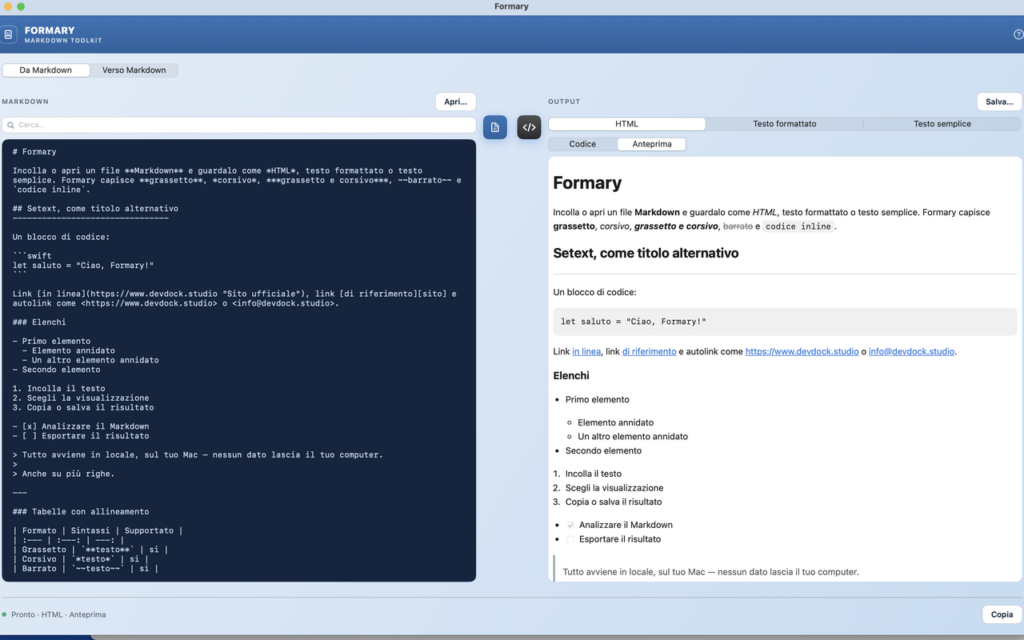
The app opens with a selection bar at the top: From Markdown or To Markdown . In the first mode, you paste or open an .md file, choose the target format—HTML, rich text, or plain text—and the conversion happens automatically. For HTML, you can choose between a live preview, rendered exactly as in a browser thanks to the integrated WebKit engine, or the raw source code.
In Verse Markdown mode, you paste formatted text — copied from Word, Pages, Google Docs, Notes, or a web page — and Formary turns it into clean Markdown, ready for a README or blog post.
A Markdown parser that covers real-world cases
Formary doesn't stop at headings and bold: it recognizes nested italics and bold ( ***così*** ), strikethrough text, code blocks with language highlighting, links with title and reference links, autolinks (even for email addresses), nested bulleted and numbered lists, to-do lists with checkboxes, multi-paragraph quotes, tables with column alignment, and hard line breaks.
The result can be copied to the clipboard as HTML, RTF, or plain text—ready to paste into Mail, Slack, Word, or Pages with all formatting preserved—or saved directly to disk.
A simple editor, not just a converter
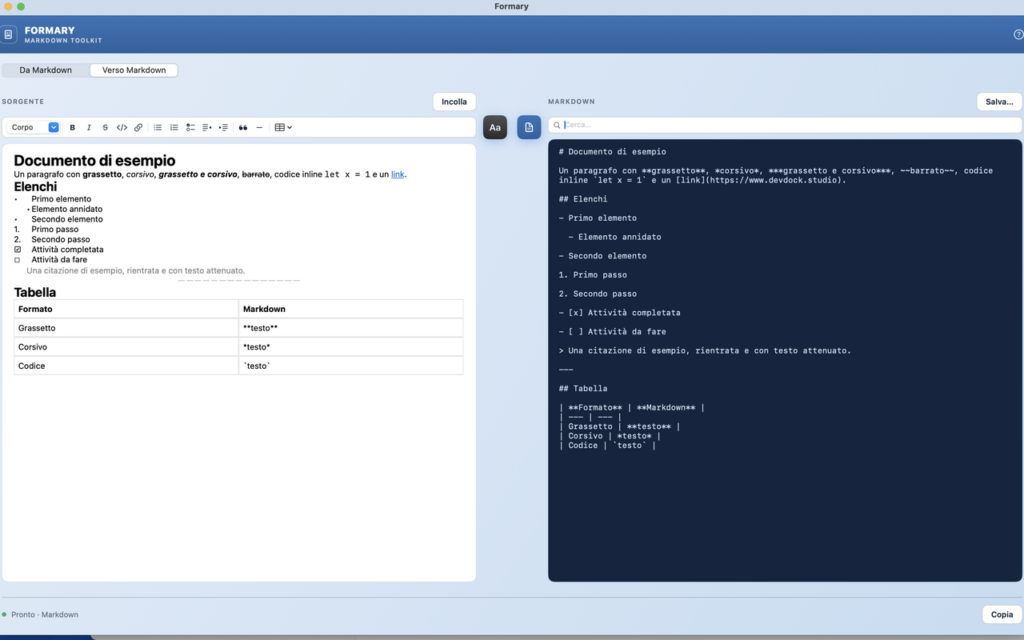
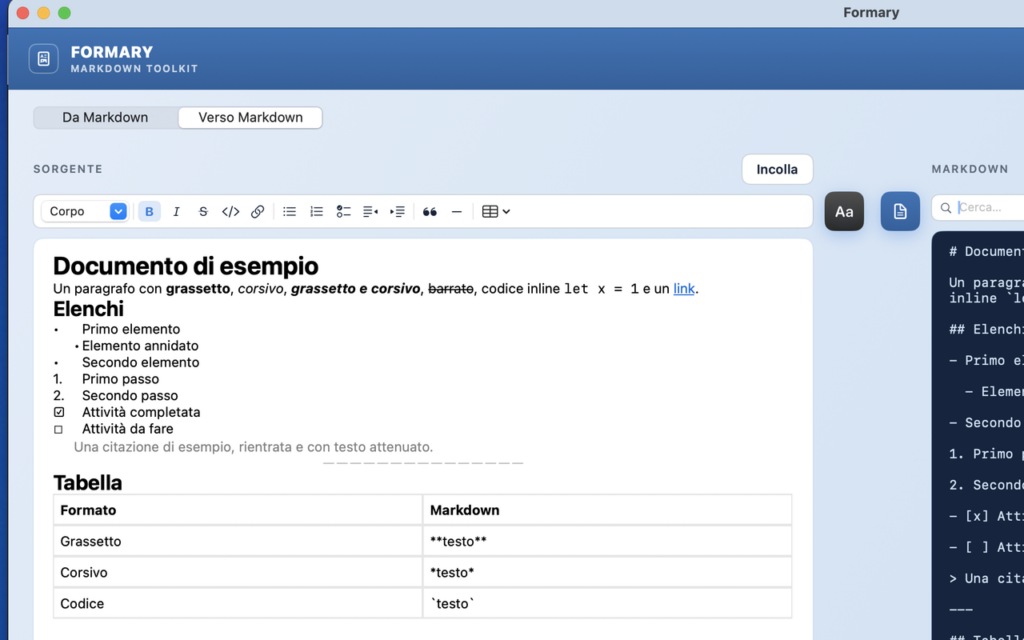
The "To Markdown" part does more than just paste static text: it includes a formatted text editor with a full toolbar — bold, italic, strikethrough, code, headings, bulleted/numbered/to-do lists with indentation to create nested lists, quotes, horizontal lines, and a table editor (create, add, or delete rows and columns, header row).
As in a real word processor, the toolbar buttons reflect the formatting exactly where the cursor is located: if you type inside a bold word, the B icon lights up automatically. Links can be created, edited, or removed with a click, via a context menu, without having to retype the text.
Search in every box
Both the source text and the output — in both directions — have their own search bar, so you can quickly find a word in long documents without scrolling by hand.
Everything local
Like other apps in the devdock.studio family, Formary never sends your data anywhere else: every conversion happens entirely on your Mac, with no servers, no accounts, and no connection to online services.
Who is it intended for?
Formary is designed for those who write technical documentation, READMEs, blog content, or notes, and often find themselves needing to switch from Markdown to formatted text — or vice versa — without wasting time manually adjusting formatting or pasting text into an unreliable online service.